
Professional Employee Photos: The Complete Guide for Companies in 2026
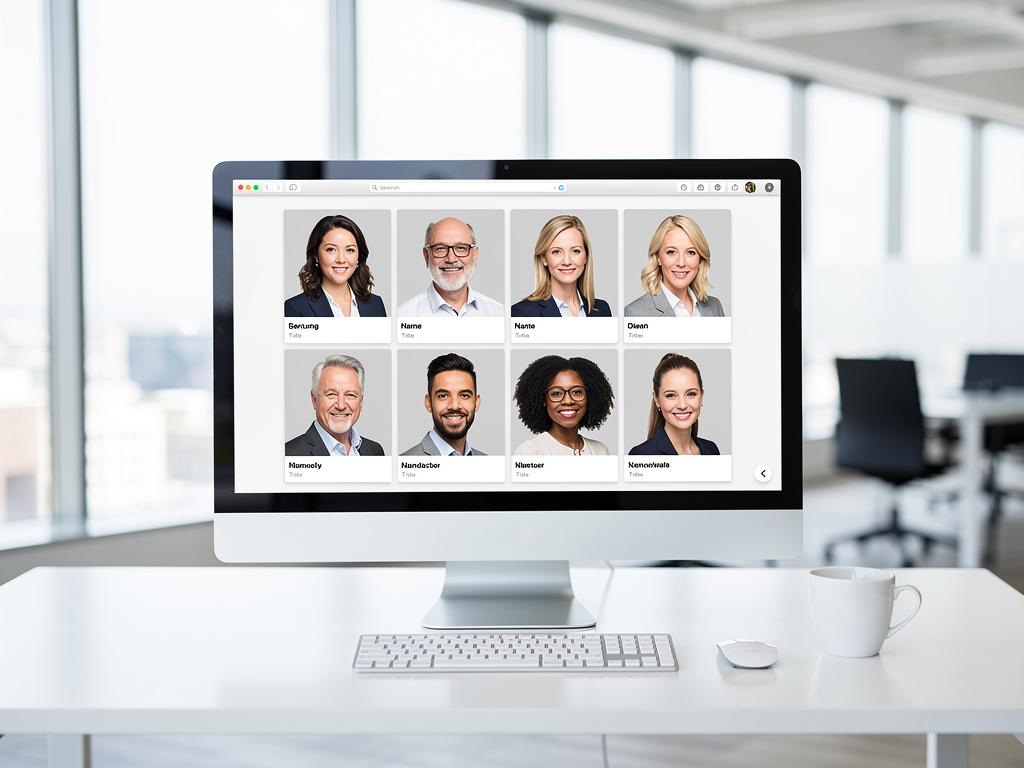
Professional employee photos on a modern company website
Does your team page look like a patchwork quilt? One employee has a vacation selfie, the next an overexposed phone photo, and three positions show nothing but a gray placeholder? You are not alone: In over 60% of SMEs, employee photos on the website are outdated, inconsistent, or missing entirely.
But the solution does not have to be an expensive photo shoot where everyone needs to be available at the same time. AI-generated employee photos deliver professional, consistent results — in under 2 hours, without a photographer appointment, and at a fraction of the cost.
Why Professional Employee Photos Matter More Than You Think
Employee photos are not a nice-to-have. They are a strategic asset for your company. Whether on your corporate website, LinkedIn, in job postings, or on your careers page — the faces of your team are often the first point of contact with customers, partners, and applicants.
The Numbers at a Glance
| Fakt | Quelle |
|---|---|
| Profiles with a professional photo receive 14x more views on LinkedIn | LinkedIn Business |
| 75% of candidates research the team online before applying | Glassdoor |
| Websites with real team photos achieve 35% higher conversion rates | Basecamp Study |
| Companies with authentic employee photos are perceived as 28% more trustworthy | BrightLocal |
| 88% of consumers say authenticity is crucial when choosing a brand | Stackla Report |
In short: Professional employee photos strengthen your employer branding, improve your public image, and help with recruiting. And yet most companies struggle with the implementation — for good reasons.
The 10 Biggest Problems with Traditional Team Photo Shoots
- 1Scheduling is a nightmare — vacations, sick days, part-time work, remote employees
- 2Costs of $150-500 per person add up quickly to $5,000-25,000 for a team
- 3Remote employees cannot participate and still have no consistent photo
- 4Results take 2-6 weeks to deliver, even though the website needs to go live tomorrow
- 5New employees in onboarding go months without a photo on the team page
- 6The photographer has a different style than existing photos — no consistency
- 7With 20+ people, the shoot takes half a workday — lost productivity
- 8Not everyone is comfortable in front of the camera — stiff, awkward results
- 9With employee turnover, photos quickly become outdated, but a new shoot is not worth it for 3 people
- 10GDPR consent must be obtained and managed individually for each employee
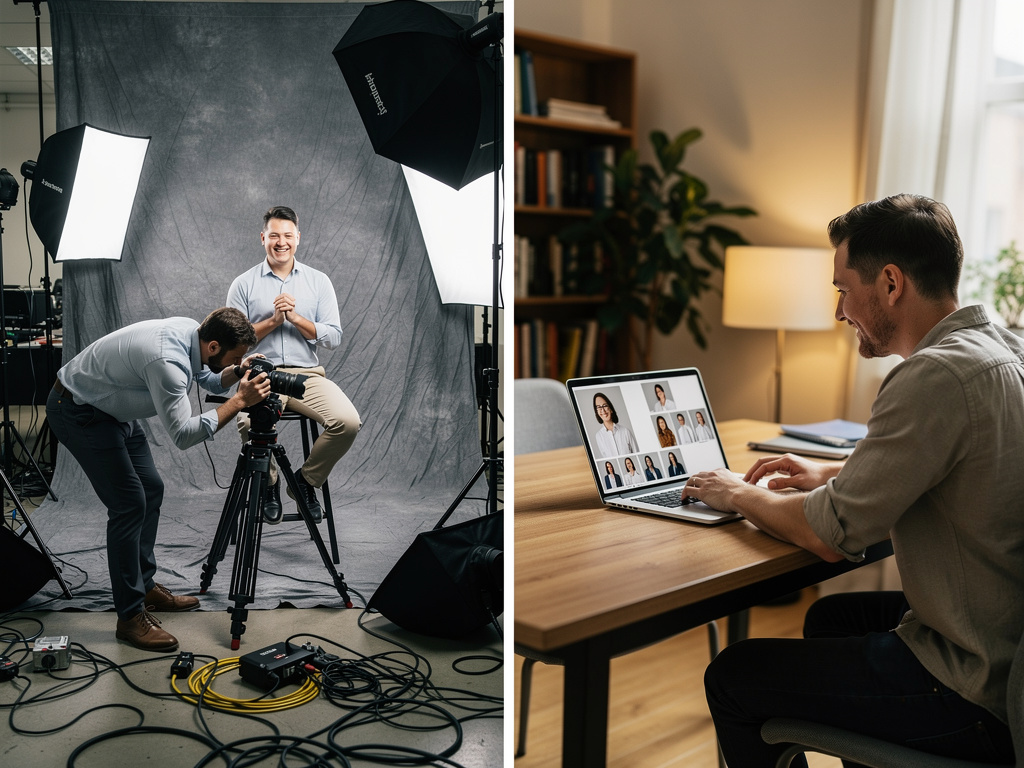
Left: elaborate studio photo shoot with equipment and cables. Right: relaxed creation of professional employee photos via AI on a laptop.
Who in the Company Is Actually Responsible?
1. HR Managers & People Teams
They are responsible for onboarding, employer branding, and the careers page. The pain point: Every new employee needs a photo, but a single-person shoot is not cost-effective. The result: Weeks or months of gaps on the team page.
2. Marketing Leaders & Brand Managers
They ensure a consistent presence — website, social media, press materials. Their problem: The team page looks like a collection from different years, photographers, and quality levels. Brand guidelines? Ignored as soon as it comes to employee photos.
3. Office Managers & Executive Assistants
They handle the logistics: requesting photographers, coordinating schedules, booking rooms, distributing results. For a team of 30+ people, this is a full-time project — nearly impossible to manage on the side.
4. CEOs & Managing Directors (at SMEs)
The CEO sees the unprofessional website and says: "This needs to be better." But $10,000 for a corporate photographer? Hard to justify when the budget is needed for more important things.
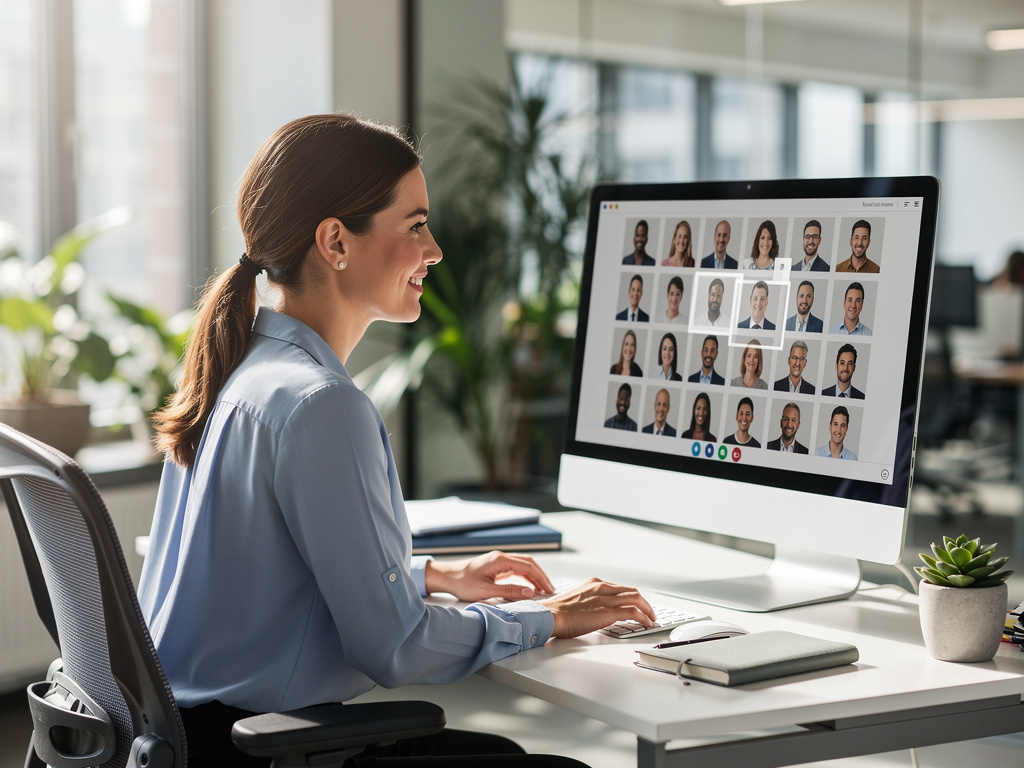
Consistent team portraits for a professional appearance — without everyone needing to be available on the same day.
The Alternative: AI-Generated Employee Photos
AI-generated employee photos solve the core problems of traditional photo shoots. Each employee can create their photos independently — whenever, wherever, and at their own pace. The result is still consistent.
The employee uploads 10-20 selfies — different angles and lighting conditions
The AI trains an individual person from their photos (approx. 15 minutes)
The company selects consistent styles and backgrounds — matching the corporate design
The AI generates professional portraits — with perfect lighting and a consistent look
The result: Every employee looks as if the same photographer shot them in the same studio on the same day. Except nobody needed an appointment for it.
Comparison: Traditional Shoot vs. AI Portraits
| Criteria | Selfie / Own Photo | Professional Photographer | AI Portrait |
|---|---|---|---|
| Cost per person | $0 | $150-500 | $14-35 |
| Time required (organization) | 0 min | 8-20 hours | 30 minutes |
| Consistent look | No | Yes (on that day) | Yes (always) |
| Remote employees | Possible | Not possible | No problem |
| New employees | Immediate, poor quality | Wait for next shoot | Immediate, same style |
| Delivery time | Immediate | 2-6 weeks | Under 2 hours |
| Scalability | Yes | Complex | Unlimited |
What Matters with AI Employee Photos
Not all AI-generated photos are created equal. The difference between convincing results and obviously AI-generated images is in the details. Here is what to look for:
Characteristics of Professional AI Portraits
- Natural skin texture with visible pores — no porcelain look
- Real facial features are preserved — no beautification or alteration
- Consistent, uniform background for all employees
- Realistic clothing and accessories — appropriate for the industry
- Natural light and soft shadows instead of artificial studio lighting
Warning Signs of Poor AI Photos
- Unnatural hands, fingers, or ears
- Too perfect, flawless skin without any texture
- Strange artifacts in hair or glasses
- Generic "stock photo look" without personality
- Unrealistic backgrounds or blurred elements
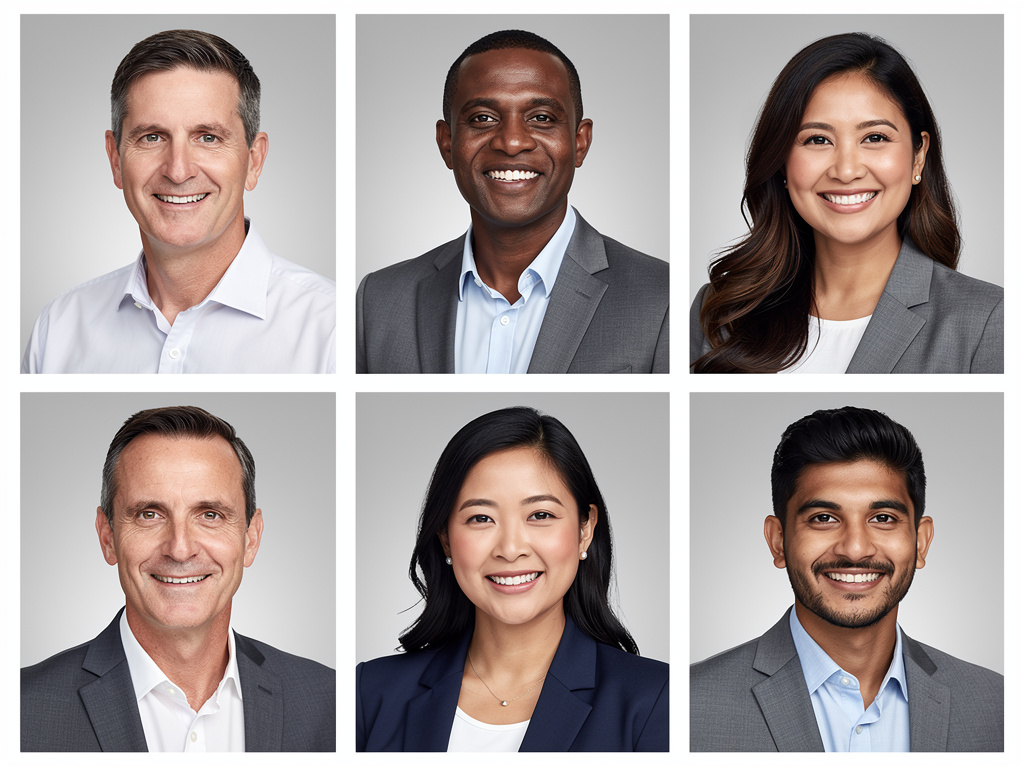
The rule of thumb: If clients and applicants take the photos for professional shots — and recognize the person in a meeting — then the AI portraits are exactly right.
Which Industries Benefit from AI Team Photos?
AI-generated employee photos work across industries — wherever professional appearance matters.
- Tax advisors & auditors: A trustworthy, professional presence on the firm website
- Medical & dental practices: Patients see the team beforehand — that builds trust
- Startups & tech companies: Fast-growing teams with constantly new faces
- Agencies & consultancies: Your own appearance is the calling card for clients
- Trades & manufacturing: Professional photos without the effort of a full shoot day
- Law firms: Professional, consistent partner portraits for website and correspondence
The common thread: All these industries need professional, consistent photos — but have neither the time nor the budget for regular photographer appointments.
Typical Use Cases
Corporate website (team/about page), LinkedIn profiles, careers page, job postings, email signatures, press materials, company brochures, org charts, and internal communication platforms.
How to Implement AI Employee Photos in Your Company
Introducing AI-generated employee photos is easier than you think. Here is a proven workflow:
| Slot | Foto-Typ | Beispiel |
|---|---|---|
| 1 | Define styles & backgrounds | Corporate design, color scheme, dress code — one-time decision |
| 2 | Send invitation email to the team | Upload link with brief instructions (10-20 selfies) |
| 3 | Employees upload selfies | Everyone at their own pace — no shared appointment needed |
| 4 | AI generates consistent portraits | Results in under 2 hours per person |
| 5 | Review & approval | Employee picks their favorite, manager approves |
| 6 | Publication | Photos on website, LinkedIn, careers page — ready to use immediately |
Tip: Start with a small pilot group (5-10 people) to test the results before inviting the entire team. This way you can optimize style and background settings.
Frequently Asked Questions
Conclusion: Professional Team Photos Do Not Have to Be Complicated
The days when consistent employee photos required half a budget and a full workday are over. AI-generated portraits solve the three biggest problems simultaneously: cost, coordination, and consistency.
Professional results. Without a photographer appointment. For every employee.
Whether 5 or 500 employees — everyone gets consistent, high-quality portraits that look professional on the website, LinkedIn, and everywhere your company presents itself.
Ready for consistent employee photos? With AI Portrait, your team creates professional portraits in under 2 hours — no photographer appointment, no scheduling hassles.
Create Team Portraits